
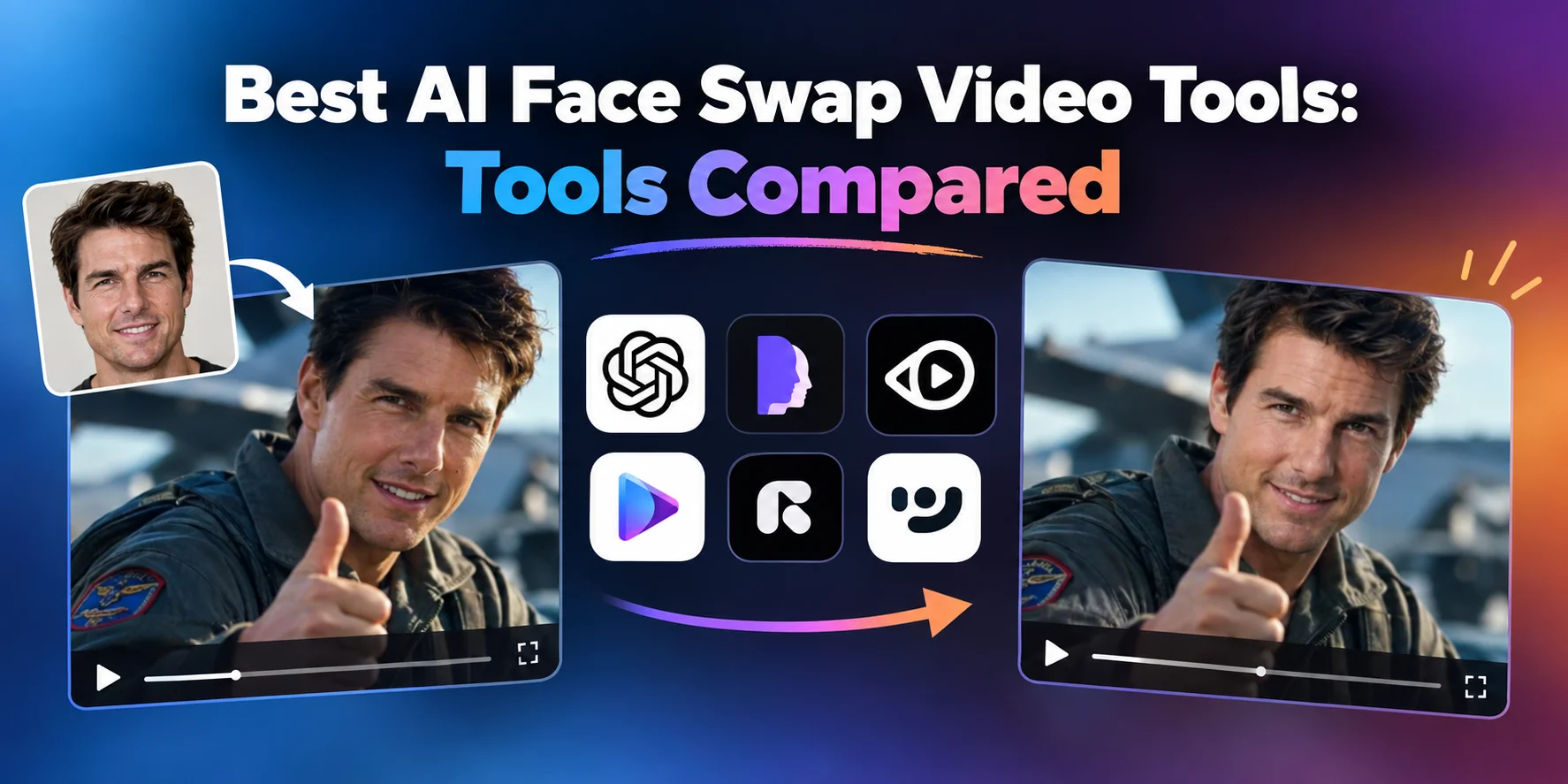
AI face swapping has become a practical tool for creators, marketers, and video editors. If you want the best AI face swap video tools in 2026, Magic Hour is the strongest overall choice, thanks to its realistic results, free access, fast workflow, and related AI video features.
I compared the leading options based on face quality, video consistency, ease of use, free availability, and overall value. Here are the tools worth considering.
Best AI Face Swap Video Tools at a Glance
| Tool | Best For | Video Face Swap | Free Plan | Platform |
| Magic Hour | Best overall | Yes | Yes | Web, mobile |
| HeyGen | AI avatars | Yes | Yes | Web |
| AKOOL | Marketing content | Yes | Yes | Web |
| Vidnoz | Budget creation | Yes | Yes | Web |
| Remaker AI | Quick swaps | Yes | Yes | Web |
| Reface | Mobile content | Yes | Yes | Mobile, Web |
| FaceFusion | Technical users | Yes | Yes | Desktop |
1. Magic Hour — Best Overall
Magic Hour is my #1 choice because it combines face swapping with a much broader AI content workflow. Instead of using one platform for face replacement and another for video generation, creators can access several tools in one place.
Its face swap technology works with both images and video, while additional features include lip sync, talking photo AI free, image-to-video, and AI image editing.
You can start with an AI image editor, create or modify an image, and then turn that asset into video using image-to-video.
Pros:
- Strong face-swap quality
- Free plan available
- No signup required to try
- Credits do not expire
- Face swap, lip sync, and video tools in one platform
- Fast variations and multiple generations
- Works on desktop and mobile
- API access available
Cons:
- Very difficult footage can still produce imperfect results
- Advanced usage may require a paid plan
Magic Hour is especially useful for creators who want to experiment quickly and then build repeatable workflows. Its current pricing includes a Free plan, Creator at $15/month or $10/month billed annually, Pro at $39/month or $25/month annually, and Business at $99/month or $66/month annually. Magic Hour pricing
Best for: Creators, marketers, agencies, startups, and developers.
2. HeyGen — Best for AI Avatars
HeyGen is better known for AI avatars and business video, but it is also a strong choice for creators working with digital presenters and talking characters.
Its major strengths include voice cloning, multilingual video, avatars, and localization.
Pros:
- Excellent avatar creation
- Strong multilingual capabilities
- Voice cloning
- Useful for business content
- Free plan available
Cons:
- More expensive for some users
- Better suited to avatar workflows than simple face replacement
HeyGen is a good option for companies producing training videos, sales content, or localized marketing campaigns.
Best for: Business video, avatars, training, and localization.
3. AKOOL — Best for Marketing
AKOOL offers face swapping alongside AI avatars, image generation, video creation, and translation tools.
This makes it useful for agencies and marketing teams that need several types of AI-generated content.
Pros:
- Multiple AI media tools
- Face swap and avatar features
- Marketing-focused workflows
- Useful for high-volume production
- API and team features
Cons:
- Large feature set can feel complicated
- Credit usage needs to be monitored
AKOOL is worth considering if face swapping is only one part of your overall content strategy.
Best for: Marketing teams and agencies.
4. Vidnoz — Best Budget Option
Vidnoz provides a broad collection of AI video tools, including avatars, talking photos, lip sync, and face-related features.
Its free plan makes it particularly attractive to beginners and creators who want to test several AI video workflows without immediately paying.
Pros:
- Free plan
- Large template and avatar selection
- Multiple AI video features
- Simple browser interface
Cons:
- Credit limits can affect frequent users
- Face swapping is only one part of the platform
Best for: Budget-conscious creators and marketers.
5. Remaker AI — Best for Quick Face Swaps
Remaker AI focuses heavily on AI image and video manipulation. Its simple interface makes it useful when you want to create a face swap without learning a complicated editing application.
Pros:
- Easy to use
- Photo and video face swaps
- Quick creative experiments
- Browser-based
Cons:
- Less comprehensive than all-in-one platforms
- Frequent users may need to purchase additional credits
Best for: Quick creative projects and social content.
6. Reface — Best for Mobile
Reface remains a popular option for mobile-first face swapping. It is particularly convenient for entertainment videos, social posts, and quick experiments.
Pros:
- Mobile friendly
- Easy workflow
- Fast results
- Good for entertainment
Cons:
- Less professional control
- Not ideal for complex production workflows
Best for: Mobile creators and entertainment content.
7. FaceFusion — Best for Technical Users
FaceFusion is different from the browser-based tools above. It appeals to developers and advanced users who want greater control over their face-swapping environment.
Pros:
- Technical control
- Local processing options
- Open-source ecosystem
- Useful for experimentation
Cons:
- More difficult setup
- Hardware requirements can be significant
- Less convenient for beginners
Best for: Developers and technically experienced creators.
How I Chose These Tools
I focused on the factors that matter most for actual video production: face realism, frame-to-frame consistency, motion handling, processing speed, free access, and overall workflow.
Video face swapping is significantly harder than replacing a face in a still image. Head movement, lighting changes, facial expressions, and camera angles can all expose weaknesses.
I also considered how well each platform fits into a wider content workflow. In 2026, the best tools are increasingly combining image generation, video generation, face swapping, and lip sync rather than treating each function as a separate product.
Final Takeaway
Magic Hour is the best overall AI face swap video free tool in 2026, particularly for creators who want realistic results and access to multiple AI creation tools in one platform.
HeyGen is better for avatars and business video, AKOOL is strong for marketing teams, Vidnoz is useful for budget-conscious creators, and FaceFusion suits technical users who prefer more control.
Before paying for any platform, test your actual footage. A tool that performs beautifully on a portrait may behave differently with fast movement, side profiles, or poor lighting.
FAQ
What is the best AI face swap video tool in 2026?
Magic Hour is the strongest overall option because it combines face swapping with lip sync, talking photos, image-to-video, and other AI creation tools.
Can I use AI face swap tools for free?
Yes. Magic Hour, HeyGen, Vidnoz, and several other platforms offer free access, although limits vary by service.
Is video face swapping harder than photo face swapping?
Yes. Video requires the AI to maintain a consistent face across multiple frames while handling movement, lighting, and changing expressions.